
Zyvo Long Form
AI Stickman Video Generator for YouTube
Type one idea and get a full 8–15 minute video: a researched script, a voiceover, 150+ stickman scenes, three thumbnails and a YouTube title.
Long Form is included in every paid plan, from Starter up.
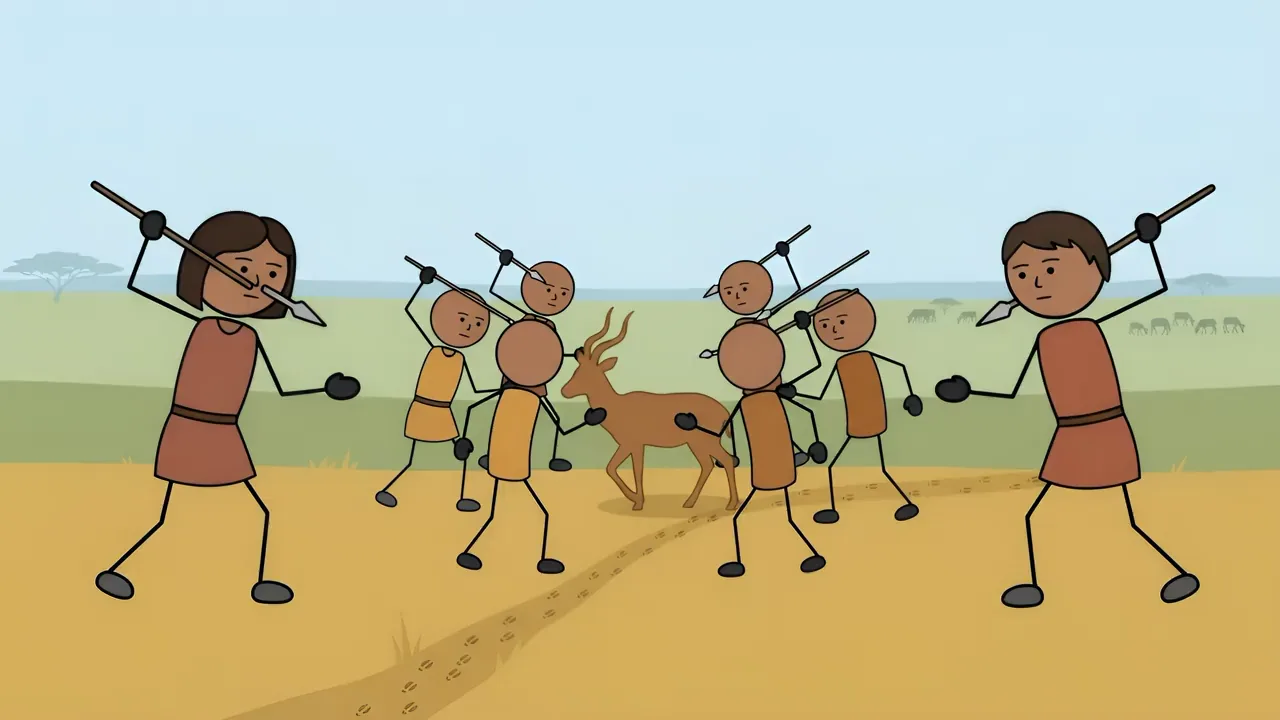
Made with Zyvo
These videos are on YouTube now. Each one started as a single idea typed into Long Form.


How it works
Zyvo Long Form is an AI stickman video generator built for one job: 8 to 15 minute YouTube explainers. You give it a question, such as “How did ancient humans hunt?”, and it does the slow parts. It researches the topic, writes the script, records the narration and draws a new 2D stickman scene for every few seconds of voiceover.
It is not a stickman animation maker in the frame-by-frame sense. There are no rigs or keyframes to learn. Every scene is a finished drawing, and the movement comes from slow zooms, pans and cuts timed to the voice, the same approach many 2D stickman YouTube videos use. You stay in charge of the idea and the final edit.
- 1
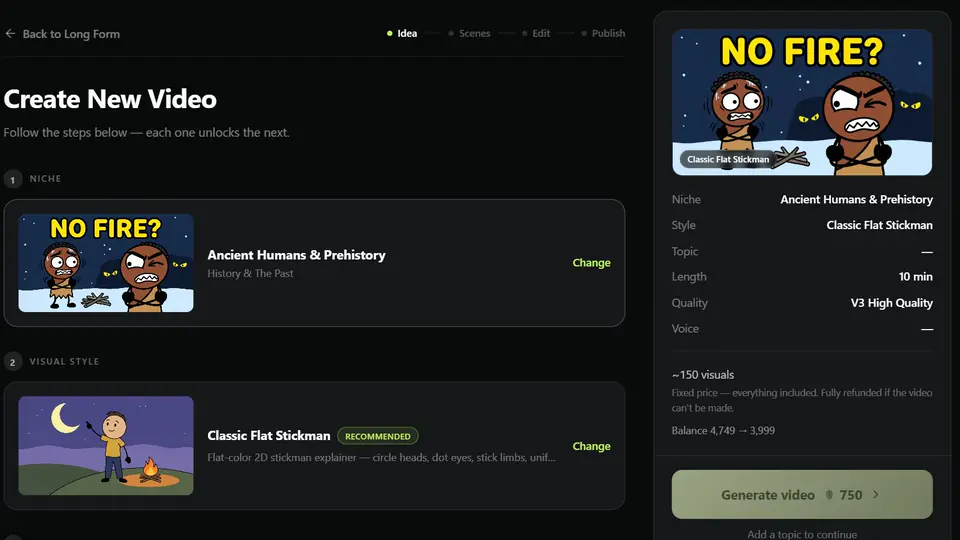
Pick a niche and an idea
Choose one of 25 niches, then take one of the suggested video ideas or type your own topic. Set the length, from 8 to 15 minutes, and pick a drawing style and a narration voice.
- 2
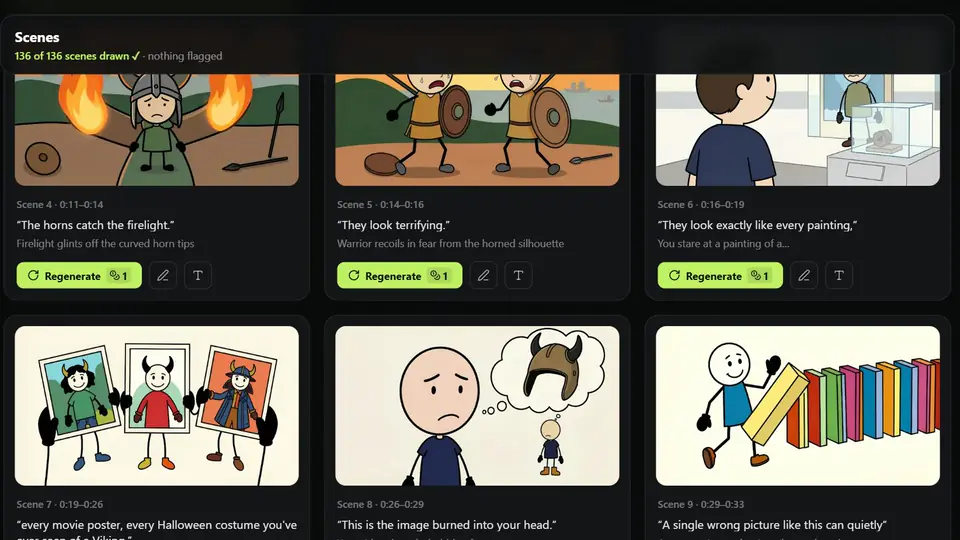
Zyvo writes, voices and draws it
Zyvo researches your topic on the web, writes the script from what it finds and reviews it before recording the voiceover. Then it draws about 15 scenes for every minute of narration and checks each one. This runs in the background, so you can close the tab and come back.
- 3
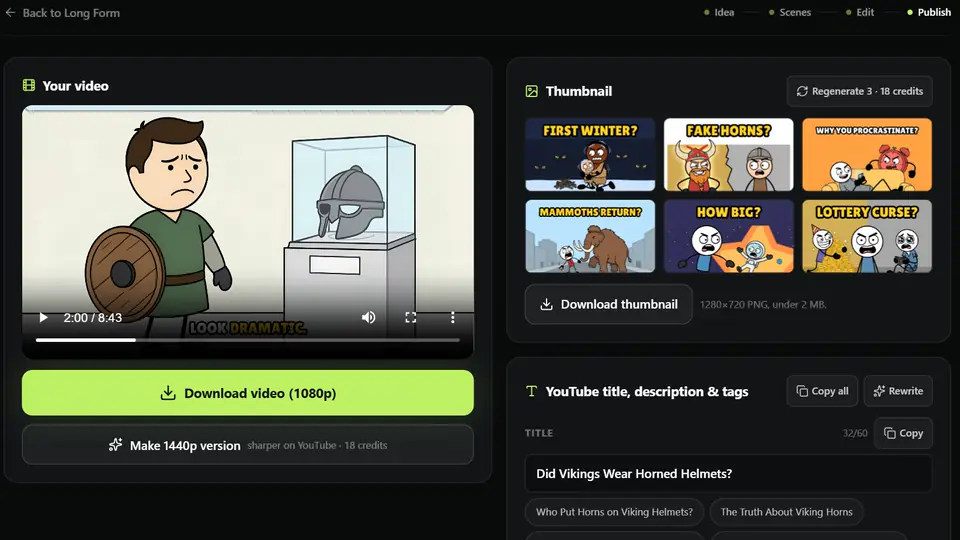
Edit and publish to YouTube
Open the editor to redraw a scene, fix a caption or add text, music and motion. Render the video in 1080p, then download it with three thumbnails and a ready title, description and chapters.
Stickman scenes made with Zyvo
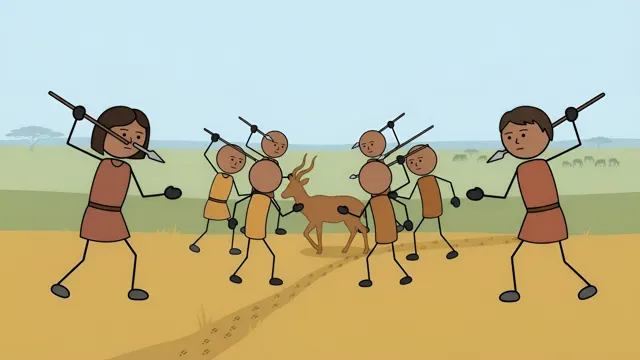
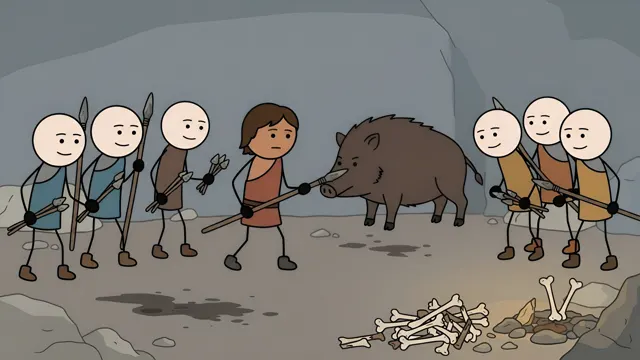
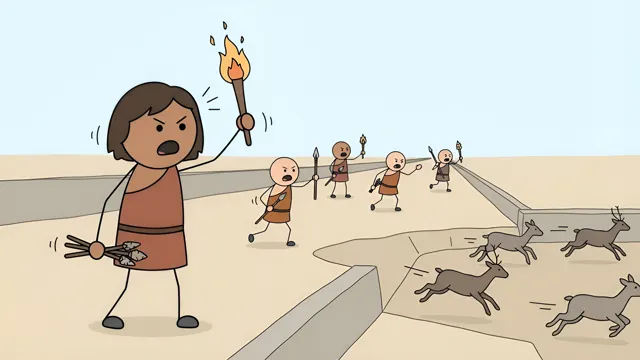
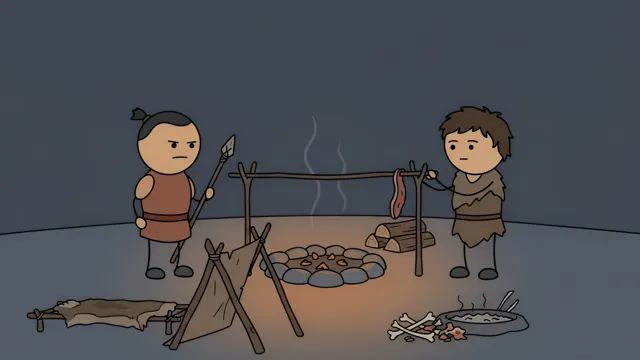
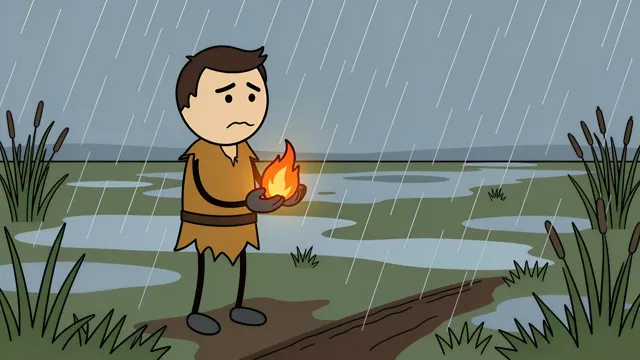
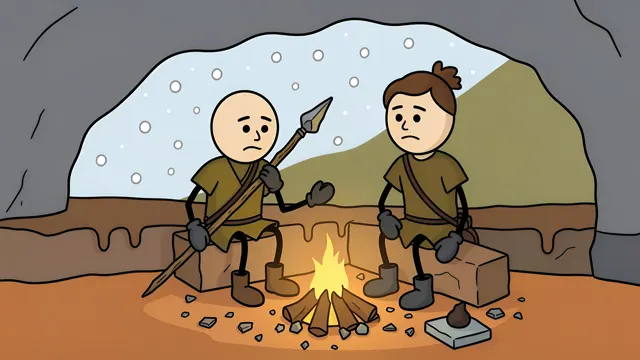
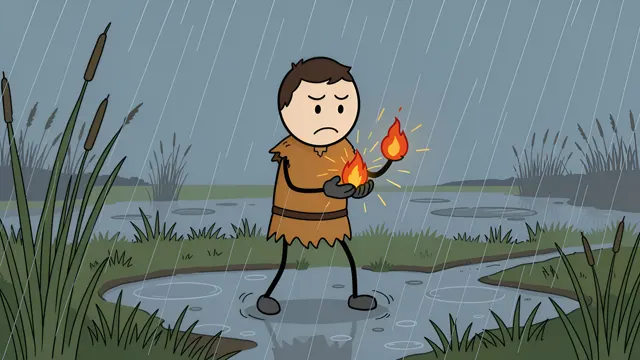
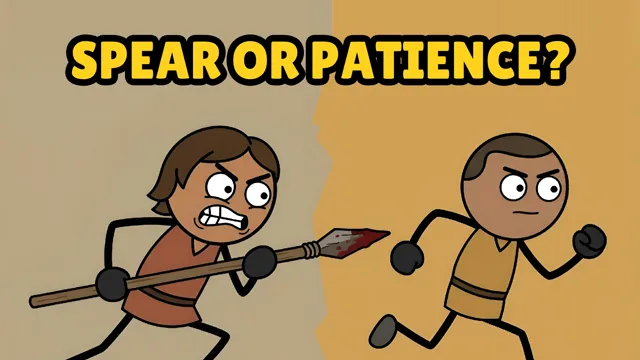
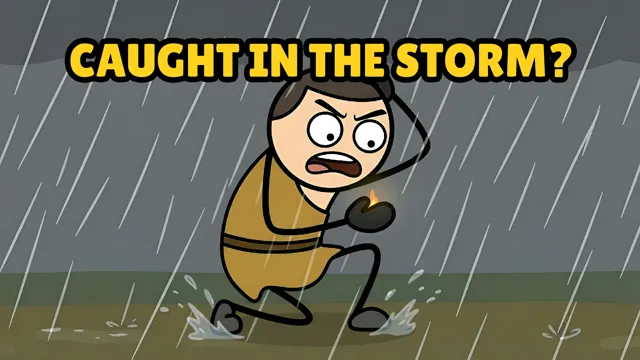
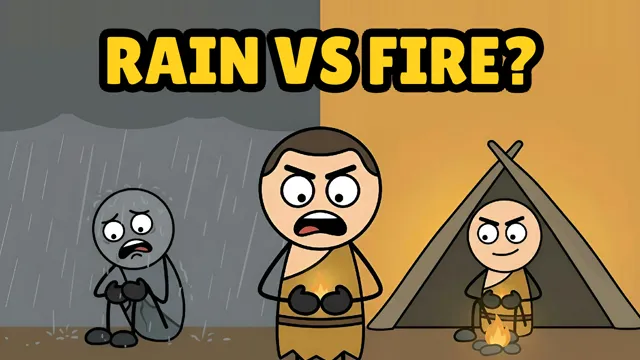
Every picture here is a real scene or thumbnail from our own Long Form videos, not a mock-up. They come from three videos about prehistoric life, so you can see how one cast of characters carries a whole story.
How did ancient humans hunt?
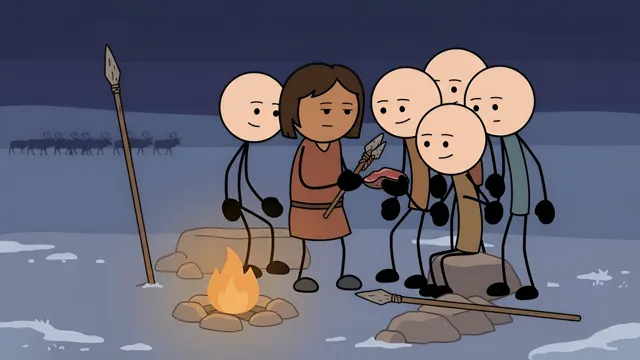
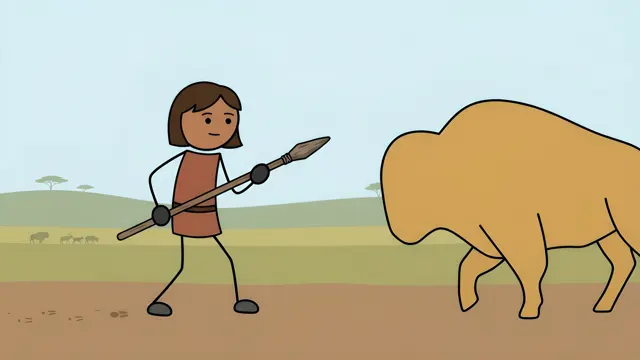

Surviving the Ice Age
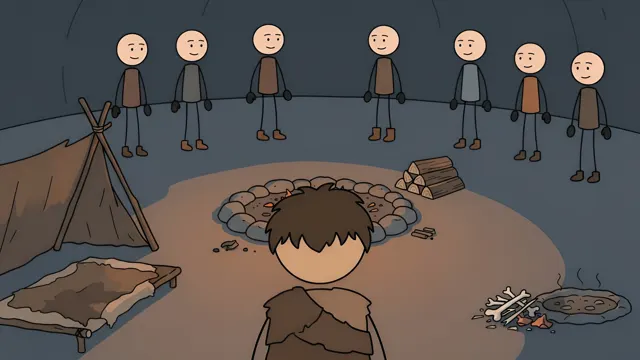
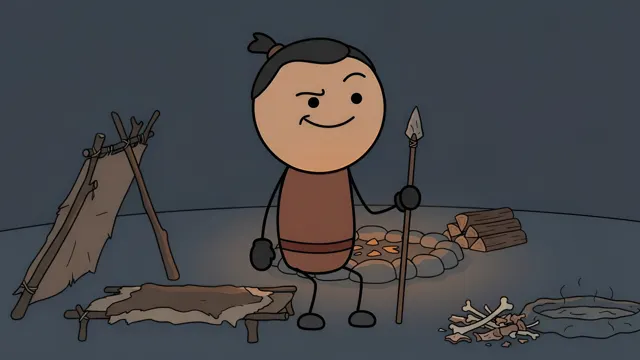


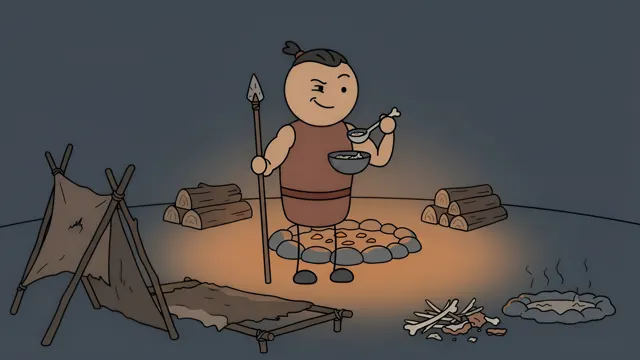
What did prehistoric humans do when it rained?
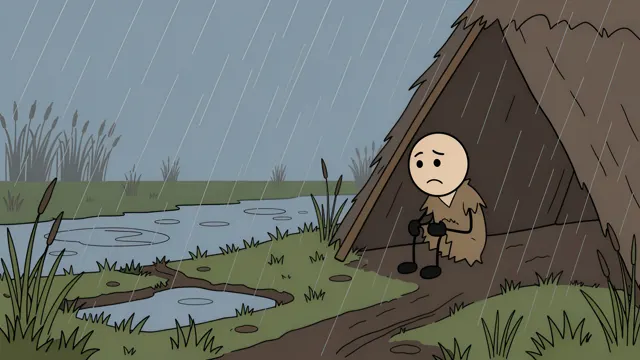
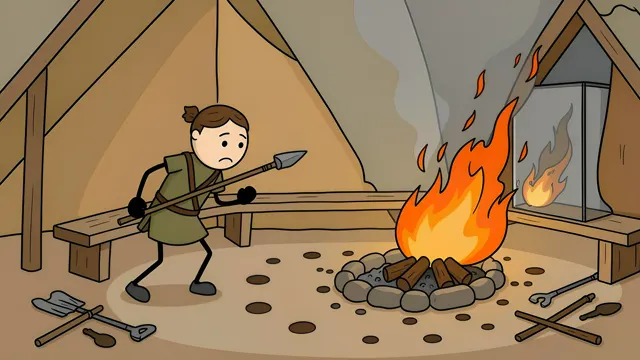
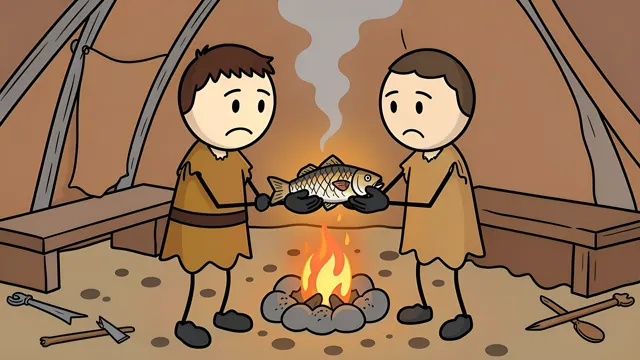
Thumbnails



Pick your niche
Stickman drawings suit any topic where the idea matters more than the footage. That is why the same tool works as an AI history video generator and as an AI explainer video maker for science, psychology or money. Tap a niche to start a video in it.
History & The Past
AI history video generator
Ancient Humans & Prehistory
How early humans actually lived, survived, and adapted.

Dark & Brutal History
The harsh, unfiltered realities of the past.
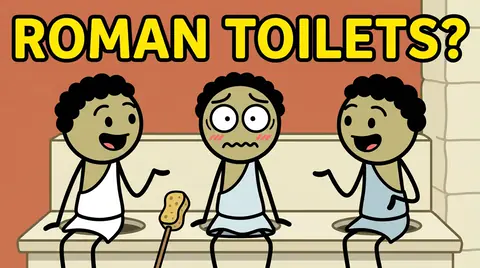
Daily Life in Past Eras
Ordinary routines from extraordinary time periods.
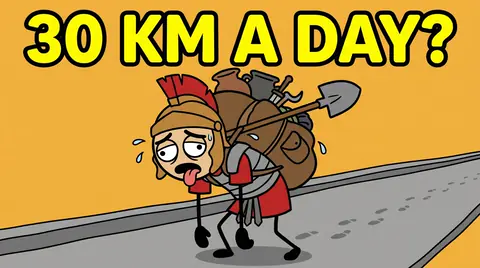
Military & Logistics History
How armies actually moved, fed, and supplied themselves.

Ancient Medicine & Science
Early breakthroughs, guesses, and surprisingly good ideas.

Timeline History
How one thing led to another, decade by decade.

Myth vs Reality
Separating popular legend from what actually happened.
Mind & Body
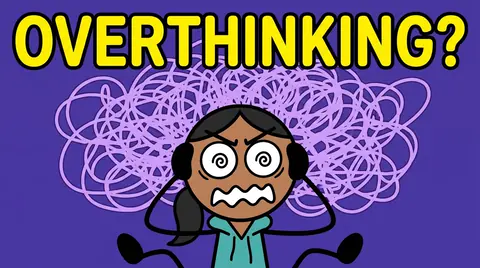
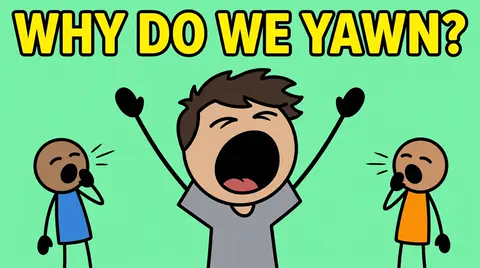


Animals & Nature

Why Don't We Eat X?
The real reasons certain foods never made the menu.

Animal Behavior & Predator/Prey
The strategies animals use to hunt, hide, and survive.

Survival Scenarios
What it would actually take to survive extreme situations.

Extinct Animals
Creatures that used to roam the earth — and why they didn't last.
Science & Universe


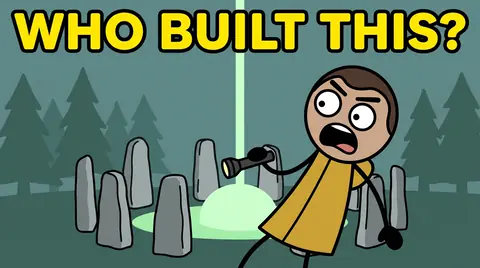

Money & Modern Life

Money Psychology & Economics
Why we spend, save, and value money the way we do.

Technology & Attention Economy
How modern tech is built to capture your focus.

How Systems Work
The hidden machinery behind everyday infrastructure.

Countries & Cultures
What makes different places and traditions unique.

Jobs & Careers
What certain jobs are really like day to day.

You vs X
Direct, personal comparisons that put things in perspective.
What you get in every project
Researched script with fact-checking
Zyvo searches the web for sources on your topic before it writes. The script is drafted from that research and its claims are fact-checked. You get a summary of which facts were verified, with links to the sources.
Voice library
Choose from 33 narration voices and listen to a sample before you pick. The voiceover is recorded for you, so you never need a microphone.
About 15 scenes per minute
A new drawing roughly every four seconds keeps the picture moving with the narration. A 10-minute video has around 150 scenes, each one drawn for the sentence it sits under.
A real editor
Redraw or replace any scene, add on-screen text, correct captions word by word, add music that drops under the voice, and set the motion and transition for each scene.
1080p and 1440p render
Every video renders in 1080p at 16:9. A sharper 1440p version is an optional upgrade for a few extra credits.
Three thumbnails
Each project comes with three thumbnail options built around the video’s main question, with a short headline already on them.
YouTube title, description and chapters
Copy a title, a description and timestamped chapters straight into YouTube when you upload.
How to start a stickman history channel
The tool handles production. These choices are still yours, and they matter more than the drawing style.
Stay in one niche for your first ten videos
Someone who enjoyed one video about daily life in the Middle Ages will probably watch another. A channel that jumps between ten subjects gives them no reason to stay. Pick a niche you can find fifty questions in, such as ancient humans, myth vs reality or military logistics, and stay there until you can see which topics hold attention.
Title the video as a question people already ask
Good stickman history videos answer one clear question. Did Vikings really wear horned helmets? How did Rome feed a marching army? If you can’t put the idea in one question, the video will wander. Long Form’s suggested ideas are written this way, and you can always type your own.
Make it 8 to 15 minutes
That is long enough to answer the question properly and short enough to watch in one sitting. It is also where YouTube lets monetized channels place mid-roll ads, which need a video of at least 8 minutes.
Check the facts before you publish
Long Form researches and reviews its own script, but you are the publisher. Read the script, look up the two or three claims the video depends on, and fix anything that sounds too neat. History viewers leave corrections in the comments, and a channel that gets things right earns their trust.
Give the thumbnail one job
One character, one emotion, three or four words. The thumbnail asks the question and the video answers it. Every project comes with three options, so pick the one that makes you curious.
Publish on a schedule you can keep
One video a week for three months tells you more than five videos in one week. A finished video usually takes under an hour to generate, so the limit is how many good questions you can find, not how fast you can draw.
Watch the tutorial
A three-minute walkthrough of making a 2D history stickman video with Long Form.
What a video costs
Long Form uses the credits in your plan. A video costs 25 credits per minute on the Fast tier, so a 10-minute video starts at 250 credits. The price is fixed before you start and covers the script, the voice, the scenes and the 1080p render.
Starter
€18 / month
About 3 ten-minute videos a month
Pro
€38 / month
About 6 ten-minute videos a month
Generative
€78 / month
About 12 ten-minute videos a month
Monthly prices in euros, VAT included. Pro adds the High Quality scene tier and Generative adds Ultra; both use more credits per minute.
See all plans and pricesQuestions and answers
Can I use it for a faceless YouTube channel?
Yes. Long Form works as a faceless YouTube video generator: the narration is an AI voice and every picture is drawn, so you never appear on camera or record your own voice.
How long does a video take to make?
In our own runs, a 10-minute video took about 30 to 45 minutes from pressing Generate to a finished 1080p render. It runs in the background and can be slower at busy times. Editing afterwards is up to you.
Can I edit the scenes?
Yes. You can redraw any scene, replace it, add on-screen text, correct the captions, add music and change the motion and transitions before you render again.
Which niches can I make videos in?
There are 25 niches in five groups: history, mind and body, animals and nature, science and the universe, and money and modern life. You can also type your own topic inside any niche.
Are the videos original, and can I monetize them?
Each script is written for your topic and each scene is drawn for that script; nothing comes from a stock library. Whether a channel is monetized is YouTube’s decision, not ours. Read YouTube’s current monetization policies, check your facts and add your own judgment before you publish.
Do I need animation or editing skills?
No. You pick the idea and the voice, and Long Form makes the script, the scenes and the video. The editor is there if you want to change something, but you don’t have to use it.
What resolution are the videos?
Videos render in 1080p at 16:9, the standard YouTube format. A 1440p version is available as an optional upgrade.
How much does a video cost?
A video costs 25 credits per minute on the Fast tier, so a 10-minute video is 250 credits. That is about 3 ten-minute videos a month on Starter (€18), 6 on Pro (€38) and 12 on Generative (€78).
Is Long Form on the free plan?
No. Long Form is included in the Starter, Pro and Generative plans.
Make your first stickman video
Pick a niche, choose an idea and let Long Form do the research, the voice and the drawing.


