
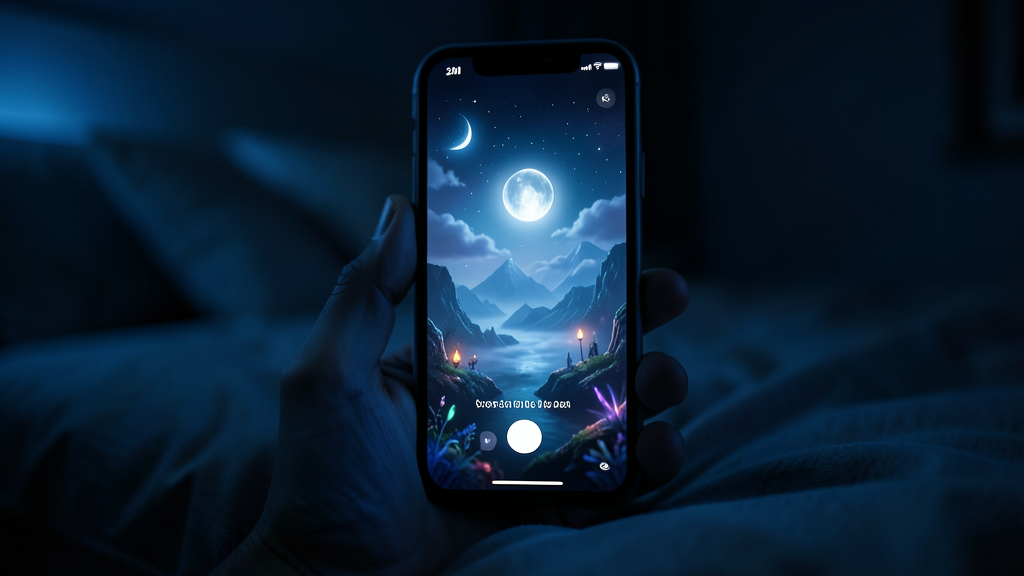
AI world slideshows are one of the fastest-growing photo carousel formats on TikTok and Instagram right now. Six cinematic images, one consistent world, a caption that asks a question — and a completion rate that beats most single-image posts by a wide margin.
The format is simple to make. Making one that actually gets watched to the last frame, saved, and shared is a different skill: pacing, hooks, posting cadence, and captions all matter as much as the images themselves.
This guide breaks down exactly how AI world slideshows perform on the algorithm, and the specific changes that turn a six-image carousel into one that gets pushed to more people.
Why AI world slideshows are outperforming other formats right now
Photo carousels reward a metric that most single-image posts can't generate: time spent per post. Every additional swipe is another few seconds of watch time, and swipe-through rate is one of the strongest signals TikTok's and Instagram's ranking systems use to decide how far a post travels.
An AI world slideshow is built for exactly that behavior. Six connected images from the same world give a viewer a reason to keep swiping that a single image can't — each frame answers a small question the last one raised, the same way a short video uses cuts to hold attention.
There's a second reason the format is spreading quickly: it doesn't require a face, a voice, a location, or filming equipment. The entire production happens from one written idea, which means the format scales — one creator can realistically post a new world every single day.
The anatomy of a slideshow that gets watched to the end
Most high-performing AI world carousels follow a similar six-frame shape, whether the world is a coastal town, a space station, or a fantasy academy.
| Frame | Role | What it needs to do |
|---|---|---|
| 1 | The hook | Answer "where am I?" instantly and raise one question |
| 2 | The establishing detail | Confirm the world is real and lived-in |
| 3 | The character moment | Give the viewer something (or someone) to follow |
| 4 | The reveal | Show something only this world has |
| 5 | The pause | Slow the pacing with a quiet, spacious frame |
| 6 | The payoff | End on the biggest view or a loop back to frame one |
The mistake most new creators make is treating every frame like frame one — six wide, dramatic establishing shots in a row. Varying the pacing between wide and close, busy and quiet, is what makes a full six-image swipe-through feel intentional instead of repetitive.
The 3-second hook rule for image carousels
On both TikTok and Instagram, a carousel's first frame has to work exactly like a video's first three seconds — it decides whether the swipe happens at all.
A strong first frame does one of three things immediately:
- Shows an unmistakable, recognizable world (a location viewers can identify or feel curious about in under a second)
- Raises a visual question ("why is this place empty?", "what is that light?")
- Uses a caption overlay that names the hook directly ("this world doesn't exist. I made it.")
Avoid opening on your quietest or most abstract frame — even if it's the best individual image, it's the wrong frame to lead with. Save the pause frame for the middle of the sequence, not the front.
How many images, and how long should each stay visible
Zyvo's 2AM Worlds generates six images per world, which sits inside the range that performs best for both platforms: enough frames to build a sequence, few enough that the full carousel can be swiped through in under 15–20 seconds.
If you're turning the sequence into a video slideshow instead of a native photo carousel, a useful starting pace is:
- 1.5–2.5 seconds per frame for fast-cut, high-energy worlds
- 2.5–4 seconds per frame for quiet, atmospheric worlds
- A slightly longer hold on the final frame so the payoff has room to land
Test both a native photo-carousel post and a video-slideshow export of the same six images — the two formats can perform differently depending on your audience and platform.
Writing captions and hooks that stop the scroll
The caption's job is to make the first frame make sense in under one second, not to explain the whole world. Short, direct hooks consistently outperform long descriptions.
Examples that work well with AI world content:
"I asked AI to show me a world that doesn't exist. Swipe to see all 6."
"POV: you found the last train through this world at 2AM."
"This place isn't real. I still want to live here."
Keep the caption's question open — resist the urge to answer it fully in the text. The unanswered question is what makes someone swipe instead of scroll past.
Posting cadence: how often to post AI world content
Because a full world takes minutes rather than hours to produce, daily posting is realistic for this format in a way it usually isn't for filmed content — and cadence itself is a meaningful growth lever.
A sustainable starting cadence:
- 1 new world per day, posted at a consistent time
- Reuse strong worlds as a second post on a different platform instead of always generating something new
- Review performance weekly and double down on the world types (nostalgic, sci-fi, fantasy, cozy) that get the highest completion rate for your specific audience
Consistency compounds faster in this format than most, because the production cost of "one more world" is close to zero.
Hashtag and sound strategy for AI slideshows
Hashtags should describe the world's genre and format, not just "AI" broadly — overly generic AI hashtags are heavily saturated and rank you against the widest possible competition.
A useful mix:
- One broad discovery tag (for example, a general AI art or AI trend tag)
- One or two genre-specific tags matching the world (nostalgia, fantasy, sci-fi, liminal, cozy)
- One format tag (photo carousel, slideshow)
For sound, a slower, atmospheric track generally matches multi-frame AI world content better than fast-cut trending audio — the pacing of the sound should match the pacing of the swipe, not fight it.
Common mistakes that kill AI slideshow performance
Leading with the wrong frame
The most visually impressive image isn't always the strongest opener. Choose the frame that raises the clearest question, not just the prettiest one.
Six frames that all look the same
If every image is a wide establishing shot with no character or detail frame, the sequence loses momentum by frame three. Vary scale and subject.
A caption that gives away the whole idea
If the caption fully explains the world, there's no reason left to swipe. Leave the "why" for the images to answer.
Posting once and stopping
A single viral carousel is a result, not a strategy. The accounts that grow fastest with this format post it as a repeatable system, not a one-off experiment.
A 7-day content plan to test the format
- Day 1 — Post a nostalgic world (broadest, most reliably relatable category)
- Day 2 — Post a fantasy or sci-fi world (tests a different audience segment)
- Day 3 — Repost your Day 1 world as a video-slideshow export on a second platform
- Day 4 — Post a world built from a follower suggestion or comment
- Day 5 — Post your most "liminal" or atmospheric world of the week
- Day 6 — Review completion rate and saves across the week; pick your best-performing world type
- Day 7 — Post a second world in that best-performing category and compare results
Seven days is enough data to see which world types your specific audience responds to — use that signal to decide what to make more of in week two.


