
How to Write Talking, Lip-Synced Dialogue for AI Fruit Story Videos
Every AI Fruit Story scene can speak — mouth-synced, in English, with lines Zyvo writes from your premise. Here's how the dialogue feature actually works, and five techniques for writing lines that make viewers stop scrolling.
Aug 8, 2026 · 8 min read · Feature Guide
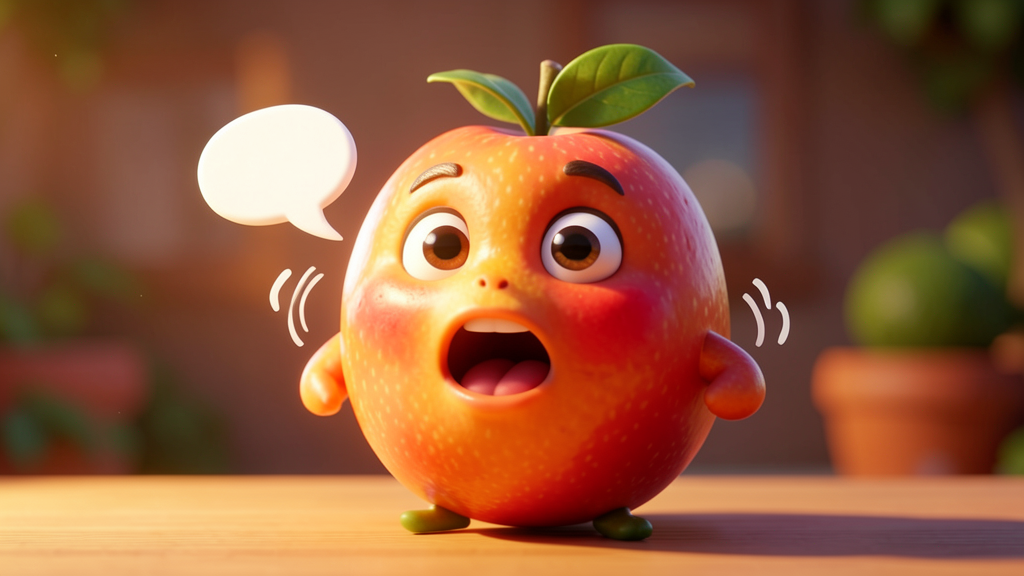
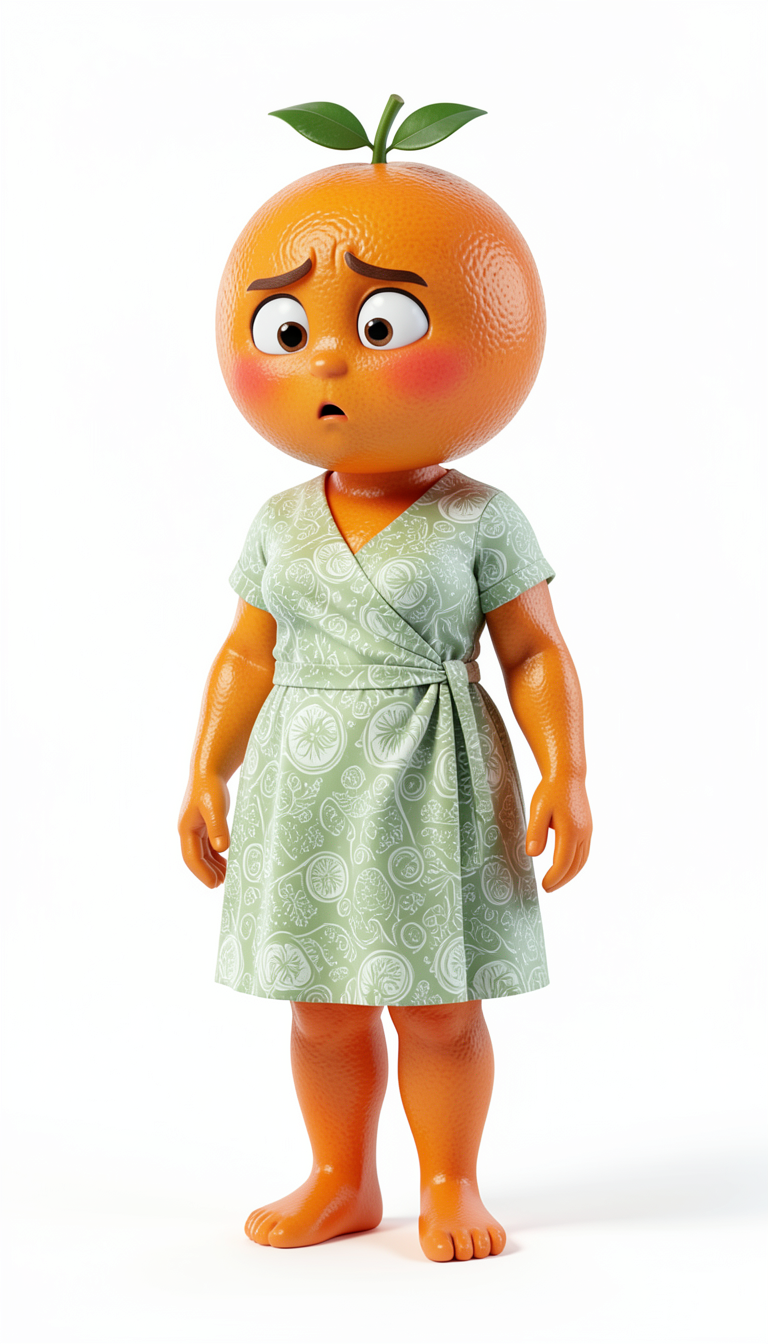



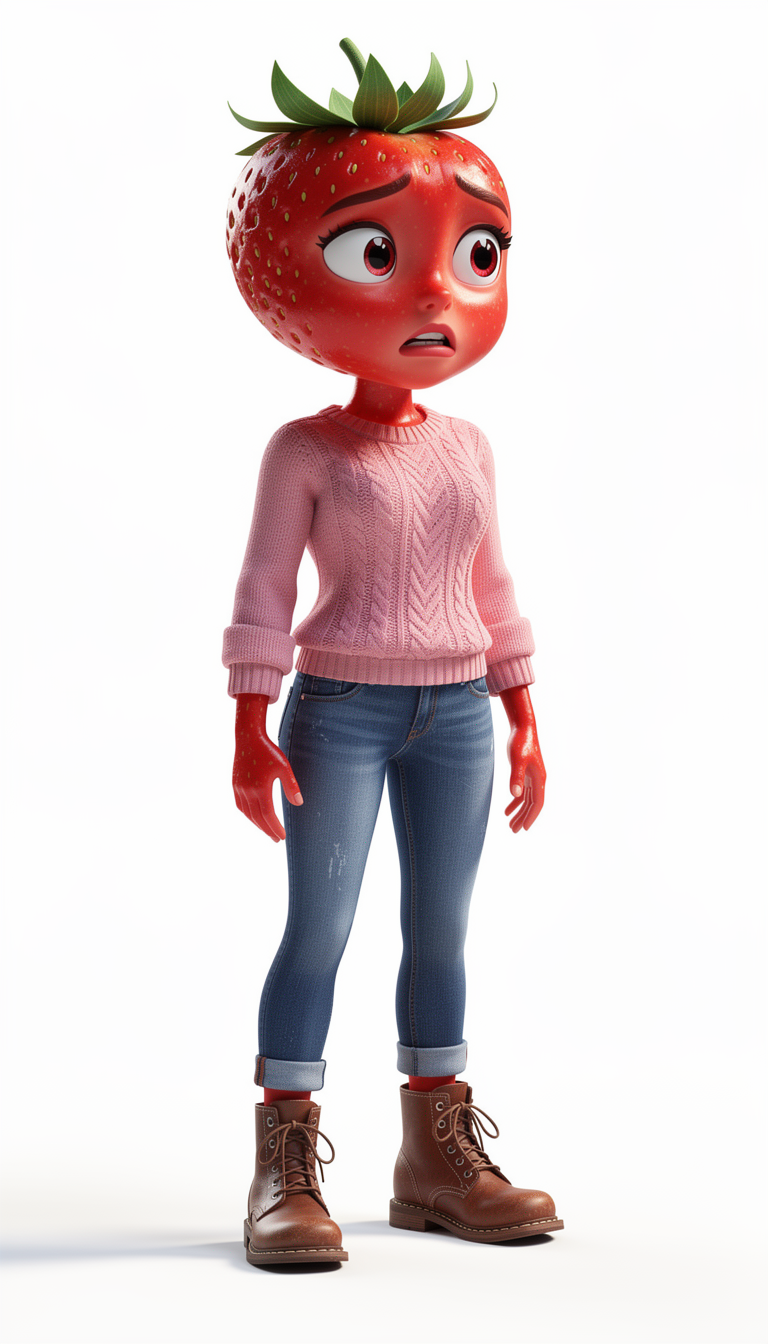

Why Dialogue Is the Emotional Engine of the Format
A fruit drama video has no real actors, no facial micro-expressions, no vocal performance beyond what the AI generates. That means dialogue carries more of the emotional weight than it would in a live-action video — the line itself has to do the work a raised eyebrow or a trembling voice would normally do.
That's also why it's the single highest-leverage part of your prompt. Two videos with identical characters, identical settings, and identical scene count can perform completely differently based on whether the dialogue lands.
How Talking Characters Work in Zyvo
You don't write full scripts line by line. You describe the premise and the characters; Zyvo's story planner writes the scene-by-scene dialogue and animates each character with mouth-synced English speech.
You provide the premise
One sentence describing the conflict, reveal, or twist is enough for the planner to work from.
Zyvo writes the lines
Dialogue is generated per scene, matched to the drama style and characters you selected.
Scenes are animated
Selected scenes are rendered with mouth-synced character animation once you hit Animate.
You review before download
You can review the generated dialogue and scenes and regenerate before finalizing the video.
5 Dialogue Techniques That Make Fruit Drama Hit Harder
Your premise shapes the dialogue Zyvo generates. Steering the premise toward these patterns tends to produce stronger, more shareable lines.
1. Write lines a viewer could quote back
"I unlocked your phone. I didn't even have to look far."
Short, quotable lines get typed into comment sections. If a line survives being copy-pasted as a caption, it's doing its job.
2. Let the reaction interrupt the line
"I can explain—" "You don't need to. I already know."
Cutting a character off mid-sentence reads as confidence and creates a sharp emotional beat without needing extra scenes.
3. Give the accused a real defense, not a confession
"It's not what it looks like." "It never is."
A weak, deniable excuse keeps tension alive longer than an instant confession — and gives the other character a stronger comeback line.
4. End the scene on a question, not an answer
"So who is she?"
A closing question functions like a mini cliffhanger inside the video itself, not just at the very end — it pulls viewers into the next scene.
5. Match line length to the character's status
Powerful characters get short lines. Nervous characters get run-on lines.
Dialogue rhythm communicates power dynamics before the viewer consciously registers who's in control of the scene.
Common Dialogue Mistakes to Avoid
Explaining instead of confronting
Lines that narrate the backstory ("I found out you've been lying for weeks") read slower than lines that confront directly ("Three weeks. That's how long you've been lying."). Favor confrontation over exposition in your premise.
Too many characters talking in one scene
Dialogue lands hardest with two characters per exchange. A crowded scene dilutes the emotional focus — keep side characters reacting rather than speaking in the same beat.
Resolving everything in the final line
A tidy, fully-resolved final line closes the door on a Part 2. Leaving one open thread keeps the account's audience coming back.
Generate Talking Characters in Minutes
Describe your premise in Zyvo's AI Fruit Story maker, choose your characters, and generate a scene set with mouth-synced dialogue already written for you.
Open the Paid AI Fruit Story Tool →Related Articles
AI Fruit Story Maker: Create Viral Fruit Drama Videos in 2026
How Zyvo's AI Fruit Story maker turns a prompt into a multi-scene vertical video workflow.
14.05.2026
AI Fruit Drama Videos: Story Structure and Workflow
Inside the AI fruit drama format — what makes it work and why it dominates TikTok.
14.05.2026
50 AI Fruit Story Prompts and Viral Drama Ideas
Fifty fruit-drama prompts with adaptable ideas and an explanation of why each works.
15.05.2026
The Most Iconic AI Fruit Story Lines Ever Written (Ranked)
Eight lines the format lives and dies on, and why each one works.
17.08.2026


