
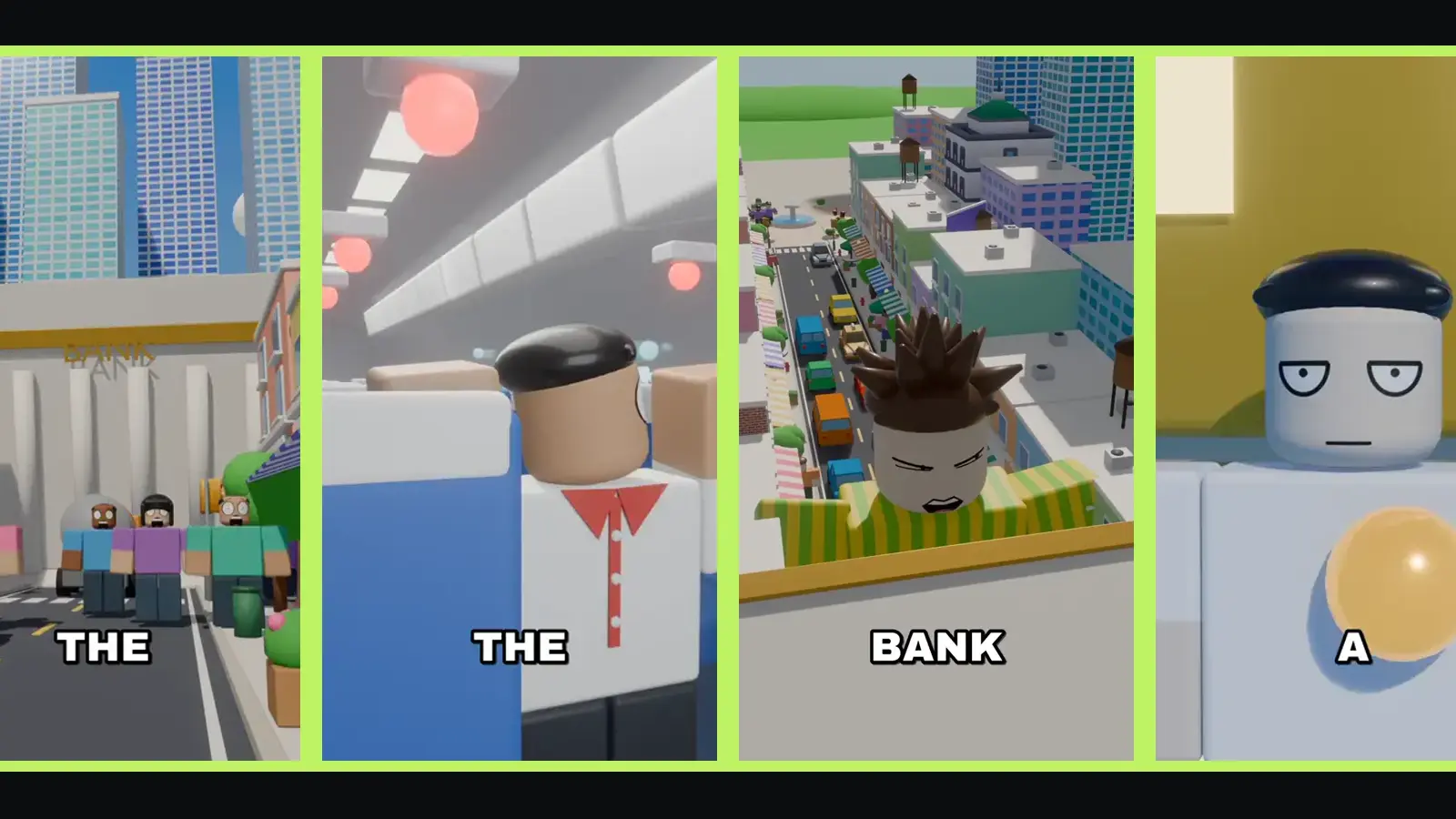
Faceless videos let you run a channel without being on camera: no face, no voice of your own, no studio. Roblox-style animated stories are a natural fit, because the characters are the stars. The hard part has always been the animation itself. This guide covers what a faceless blocky animation needs, the traditional way to make one, and how to make one with no 3D or animation skills at all.
What a faceless Roblox-style animation needs
Whatever tools you use, a finished video has the same parts:
- A story: a script with a hook, a rule, characters and a twist.
- A world: streets, houses, a school, shops, maybe a plane or a moon.
- Characters: blocky bodies with simple faces that can show emotions.
- Animation: walking, running, reacting, crowds, objects moving.
- Camera work: wide shots, close-ups, reaction shots, cuts on the beat.
- A voice: a narrator, usually a text-to-speech voice for faceless channels.
- Captions and sound: word-by-word captions, sound effects and music.
The traditional route: Blender and an editor
Many creators make these videos in Blender, the free 3D program:
- Build or download a blocky town and characters. Check every model's licence: many free models can't be used commercially or require credit.
- Rig and animate each character for each shot.
- Set up cameras and lights, then render every shot, which takes computer time.
- Edit in a video editor: cut the shots to the voice-over, add captions, sound effects and music.
This gives you full control. It also asks for 3D skills, a capable computer and many hours per video. Some creators use AI chatbots to write Blender scripts for them, which helps, but you still need to install, run, fix and render everything yourself.
The no-skills route: a story video maker
Zyvo's In This Town maker does every part above from one sentence, in your browser:
- You type a rule, for example "every time you skip a stair, the house builds one more". Or pick a ready idea.
- It writes the script. You read it and change any line you like.
- It plans the scenes from a library of places (a pastel downtown, a suburb with house interiors, a brick city, a classroom, a hallway, a shop, a plane and more), and builds missing places inside them.
- It records the voice with a storyteller voice and trims the pauses.
- An AI director writes every shot in 3D, renders previews, and a checker compares each shot with its line. Wrong shots go back for a fix.
- It renders the final video on cloud GPUs in Blender, then adds captions coloured by speaker, sound effects and music.
There is nothing to install and no 3D skill needed. A video usually takes about 30–45 minutes and costs 313 credits, refunded in full if it fails.
Video tutorial · 2:12
I tested an AI that makes these videos
A hands-on test of an AI that turns one idea into an In This Town video.
More tutorials:
Make it yours: a custom hero
Faceless doesn't mean anonymous. A recurring hero makes a channel recognisable. In Zyvo you can upload a picture of an avatar or a cartoon character and the director builds a blocky hero in its colours and style. Avatars and cartoons only: no photos of real people and no logos.
From one sentence to a finished video: an example
Say your rule is "every time you skip a stair, the house builds one more". The maker writes a script that opens on the result ("My grandma now lives on the forty-first floor"), states the rule in the second line, and introduces the kid who always skips stairs. You read it and change a line or two. It then plans the scenes: the house, the staircase, the street outside. The director shows each line literally: the kid skipping a stair, a new step appearing, Grandma waving from a tiny window far above. Captions pop word by word, a thud plays every time a stair appears, and the finished MP4 is waiting for you under Recent creations.
Your job was one sentence and one read-through. That is the whole point of a faceless workflow: you spend your time on ideas, not on keyframes.
Tips for a faceless story channel
- One format, many towns. Viewers learn what to expect from you. Keep the format and change the rule.
- Same narrator voice every time. It becomes your channel's voice.
- Series beat one-offs. If a town works, give it a part two.
- Hook in the first line. Start with the craziest result, then explain the rule.
- Post where vertical video lives: TikTok, YouTube Shorts, Instagram Reels.
- Write your own stories. Use the format, never another creator's script.
Rights and safety checklist
- Use your own scripts and characters.
- Only use 3D models, music and sounds you have the right to use commercially. Zyvo uses its own or public-domain (CC0) models and its own music track.
- Don't use game logos, screenshots or trademarks in your videos or thumbnails.
- "Roblox-style" describes a look. Make clear you are not affiliated with Roblox Corporation.
Blender vs a maker at a glance
| Blender + editor | Zyvo In This Town | |
|---|---|---|
| Skills needed | 3D modelling, animation, editing | Typing a sentence |
| Software | Blender and a video editor | A browser |
| Script | You write it | Written for you, you edit |
| Voice | Record or generate yourself | Included |
| Captions and sound | You add them | Included |
| Control over every frame | Full | You steer the script and scenes |


